
A luggage tag printed on standard paper does not withstand a downpour on the tarmac. The choice of material, file format, and compatibility with airline check-in procedures determine whether your tag will serve its purpose or become unreadable before boarding.
PDF luggage tag and digital check-in for low-cost airlines: real compatibility
Ryanair and EasyJet have made digital check-in commonplace. Passengers receive their boarding pass via an app, and checked baggage tags are issued at the counter or at self-service kiosks. In this process, a PDF tag printed at home does not replace the airline’s barcode tag.
The free printable tag plays a complementary role: it identifies the owner of the luggage in case of loss or sorting error. Automated sorting systems exclusively read barcodes issued by the airline, not handwritten or printed contact details on a named tag.
We recommend attaching the PDF name tag to the handle of the luggage in addition to the official tag affixed by ground staff. If you are traveling with an airline that allows home printing of tags (Air France has allowed this since online check-in), the named PDF remains useful as a safety duplicate. To quickly obtain a template, you can download a free printable luggage tag PDF and customize it with your contact details.
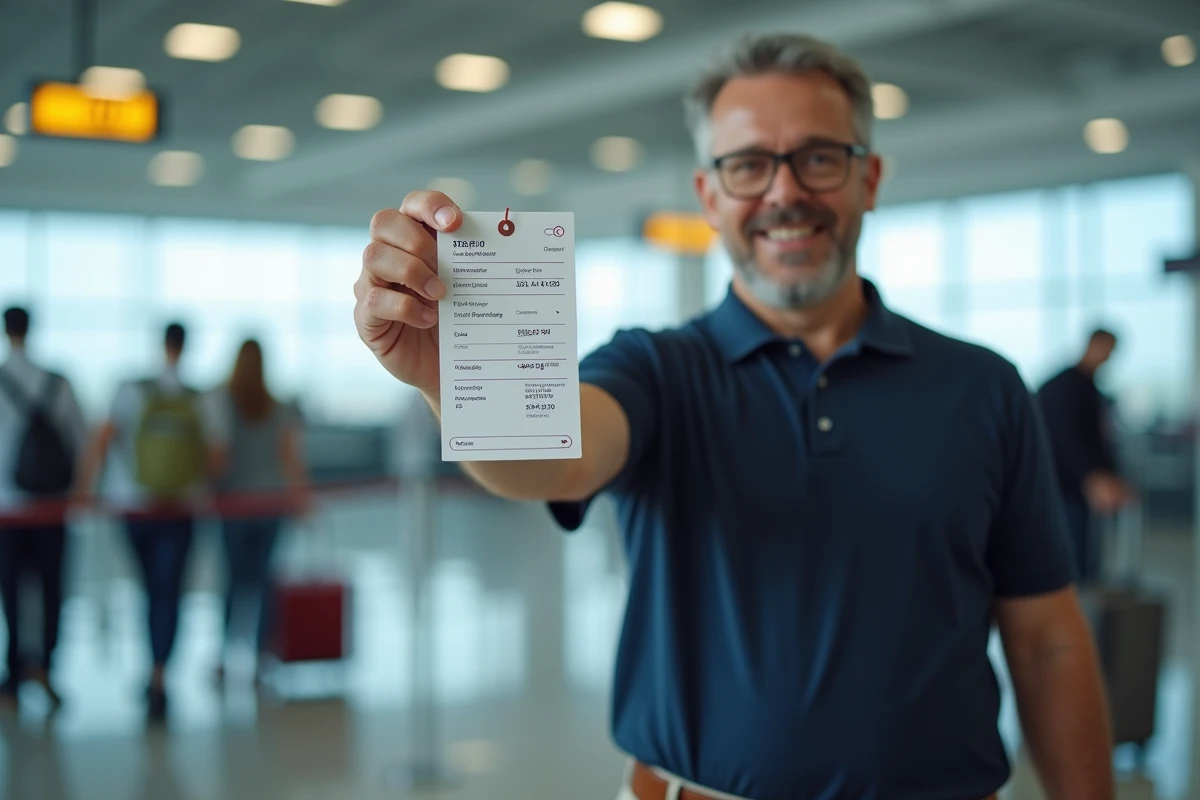
Paper weight and lamination: what withstands in the hold
The weak point of home-printed tags is the material. Standard office paper curls at the first contact with moisture. Inkjet ink smudges in the rain, and laser toner flakes off due to repeated friction against conveyor belts.
Choosing paper and printer
A sufficiently dense weight is the minimum requirement for a tag to survive the baggage handling process. We observe that card stock like Bristol yields better results than standard paper. Laser printing withstands water better than inkjet printing.
- Prefer card stock over thin office paper, which tears easily at the perforation
- If you print using inkjet, laminating with a clear adhesive film protects the ink from moisture and friction
- The most practical format remains the foldable model, with contact details inside to limit the visibility of personal data
- Cut with sharp scissors following the margins, and reinforce the attachment hole with an adhesive eyelet if the model allows it
Alternative to PVC: recyclable films
ADEME published a guide on luggage and the environment in early 2026, noting a trend towards reduced use of non-recyclable PVC for travel accessories. Laminating pouches made of polypropylene or PET are more easily recyclable alternatives. Laminating a paper tag with a recyclable film offers durability comparable to traditional PVC without the same end-of-life constraints.
Information to print on a luggage tag: the effective minimum
Many free templates offer fields for name, full address, phone number, and email. Filling in all these fields is not always wise.
Name, phone number, and email address are sufficient for a baggage service to contact you. The complete postal address visible on a suitcase unnecessarily exposes your home, especially when the luggage circulates in the hold or on a carousel accessible to everyone.
- Provide a reachable phone number abroad (with the international dialing code)
- Add an email address rather than your full postal address
- If the model allows, write your destination and travel dates on the back of the tag to facilitate sorting in case of lost luggage
For SNCF travel, the requirements are less strict, but a named tag is still recommended on each piece of luggage, especially for bags placed in the luggage areas of TGVs where mix-ups are common.
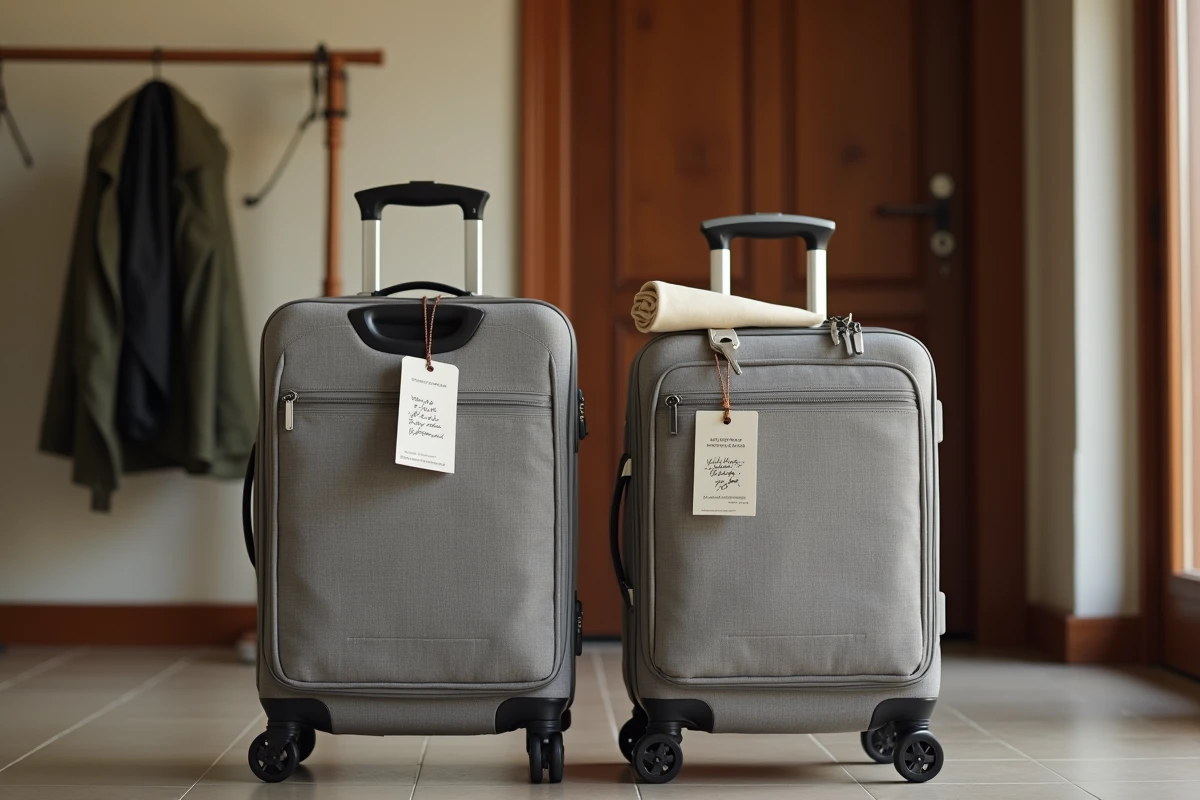
Free PDF templates: criteria for selecting a usable file
Websites offering free luggage tag templates vary in quality. Some provide a resizable vector PDF, while others offer a pixelated image that prints blurry at small sizes.
A good PDF template meets several technical criteria. The file must be in A4 format with visible cutting guides, offer multiple tags per page to limit paper waste, and include editable fields or enough space to write with a pen after printing.
Also check the size of the tag once cut. A tag that is too large hinders handling of the luggage, while one that is too small makes the information unreadable. Models that include a protective flap, allowing personal details to be concealed except when needed, offer a good compromise between readability and privacy.
Some platforms allow customization of colors or adding visuals to quickly spot your suitcase on the carousel. This is not a gimmick: a visually distinctive tag speeds up luggage identification and reduces the risk of confusion between similar suitcases.
The PDF format remains the most reliable to ensure consistent layout regardless of the computer or printer used. Avoid image formats (JPEG, PNG) that depend on printing settings and risk being automatically resized by the printer driver.